vArrayFromCSV
Creates a JSON array from a CSV row or column The "Array Mode" control provides two options: "Extract Row", and "Extract Column". This makes it easy to select which axis of CSV data you would like to grab a sample from. The "Ignore Header Row" checkbox will offset the first index position to start at line 2 in the CSV file. This will skip over a labelled header row in the source document to avoid that information being accessed as part of the ingested data. The output from vArrayFromCSV is typically connected to an vArrayGetIndex node. This makes it possible to select an individual cell of data.
Core / ArrayArray
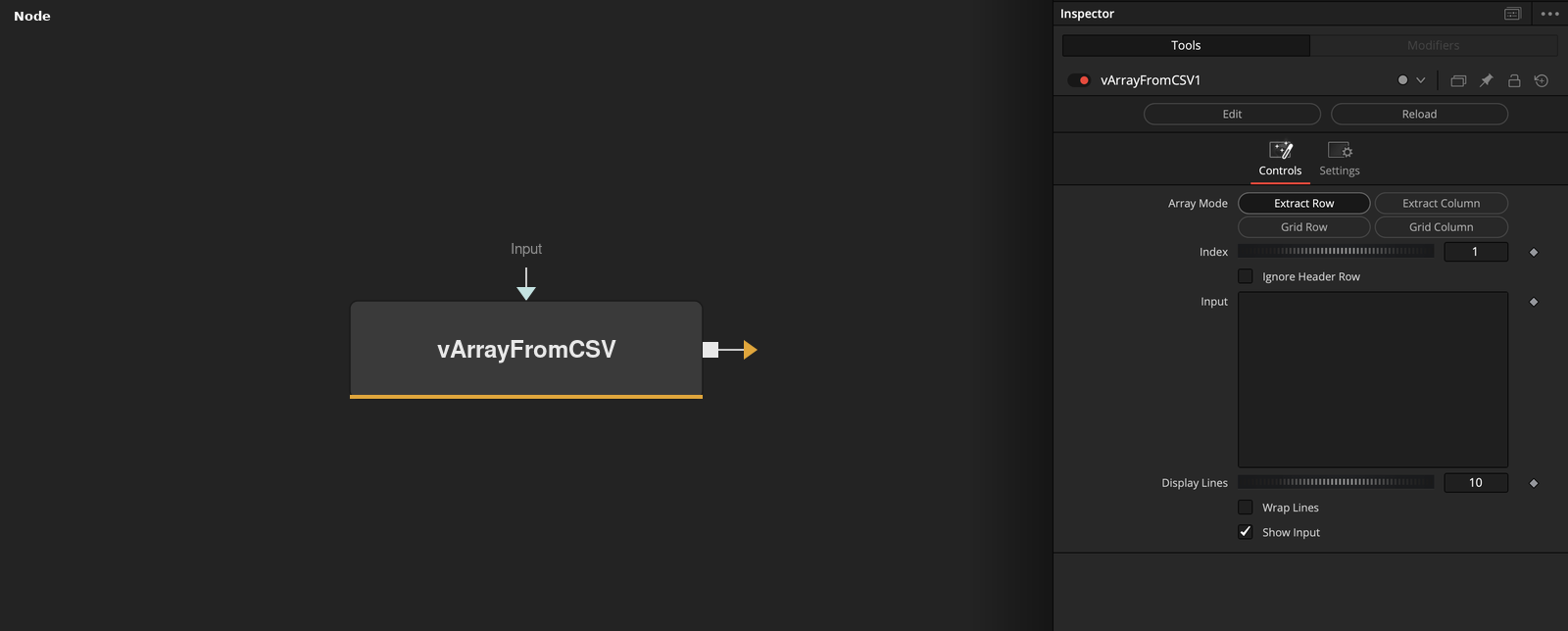
Parameters
| Parameter | Type | Default | Description |
|---|---|---|---|
| Array Mode | Float | Extract Row | — |
| Index | Integer | 1 | — |
| Ignore Header Row | Integer | 0.0 | — |
| Input | Text | — | — |
| Display Lines | Integer | 10 | — |
+2 more parameters
| Parameter | Type | Default | Description |
|---|---|---|---|
| Wrap Lines | Integer | 0.0 | — |
| Show Input | Integer | 1.0 | — |