Lightfielder | Scripts
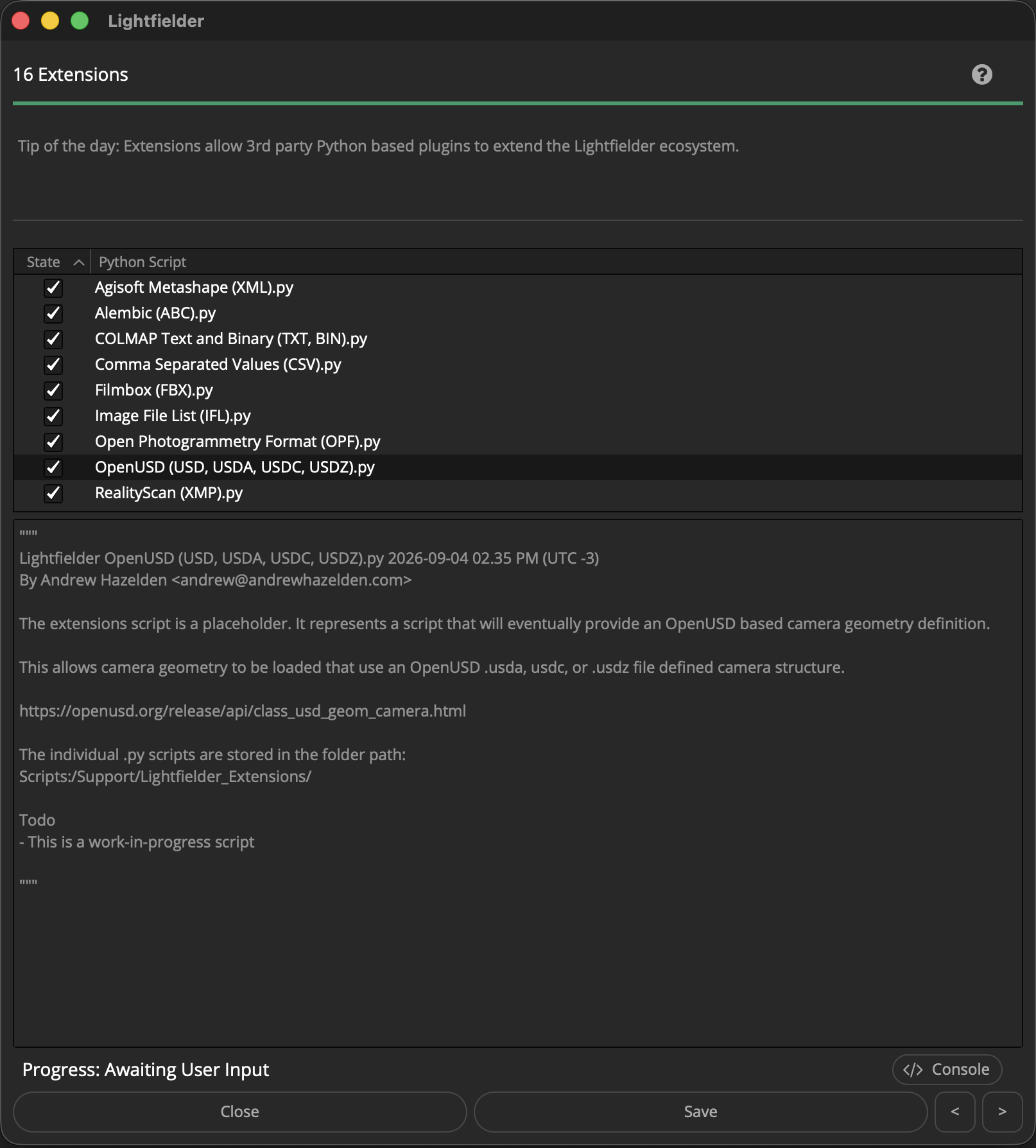
16 Extensions
Extensions allow 3rd party Python based plugins to extend the Lightfielder ecosystem.
The individual .py scripts are stored in the folder path:
Scripts:/Support/Lightfielder_Extensions/
Tip: The help "?" button at the top right of the window can be used to quickly show this help topic.
Note: This is a work-in-progress script. The user interface is still a placeholder.
Script Usage:
-
Open Resolve. Select the menu item: "Workspace > Scripts > Lightfielder > 16 Extensions" • OR Select Tool Bar then click "16" button.
-
Clicking on a script in the tree view allows you to see the Python script contents in the lower part of the window.
-
Turning ON/OFF the checkbox next to a script item in the Tree view allows you to enabled/disable the script inside of Lightfielder.
Python Extensions API
The Lightfielder extension systems is based upon reference code donated by Jacob Danell, a compositing technical director who runs EmberlightVFX in Sweden. Jacob improved the plugin interface for a Nuke to Resolve/Fusion node conversion toolset called Nusion.
I/O File Formats
A goal with the extension system is to add support for a wider range of camera rig data interchange formats including:
- Agisoft Metashape (XML)
- Alembic (ABC)
- COLMAP Text and Binary (TXT, BIN)
- Comma Separated Values (CSV)
- Filmbox (FBX)
- Image File List (IFL)
- OpenUSD (USD, USDA, USDC, USDZ)
- Open Photogrammetry Format (OPF)
- Reality Capture/RealityScan (XMP)
Actions, Events, Hooks and Registering Custom Callbacks
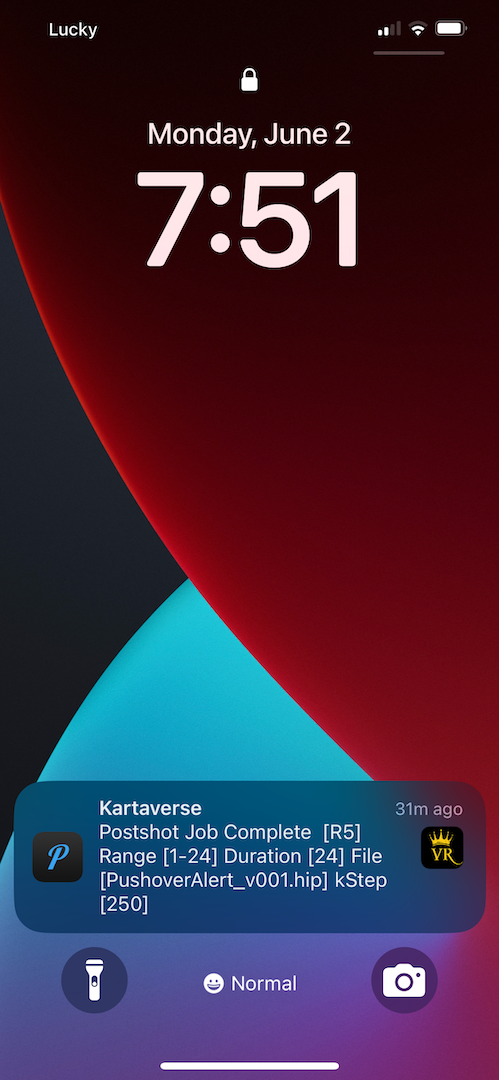
It is possible to use Lightfielder to register custom hooks/callbacks in the active DCC host application's active editing/colouring session. This allows you to receive notifications via Apple Messages, SMS, or mobile friendly notification services like "Pushover" when a task is completed, or a Deliver render job queue item is finished.