Lightfielder | Scripts
11 Log Viewer
Open the Lightfielder HTML logfiles for review.
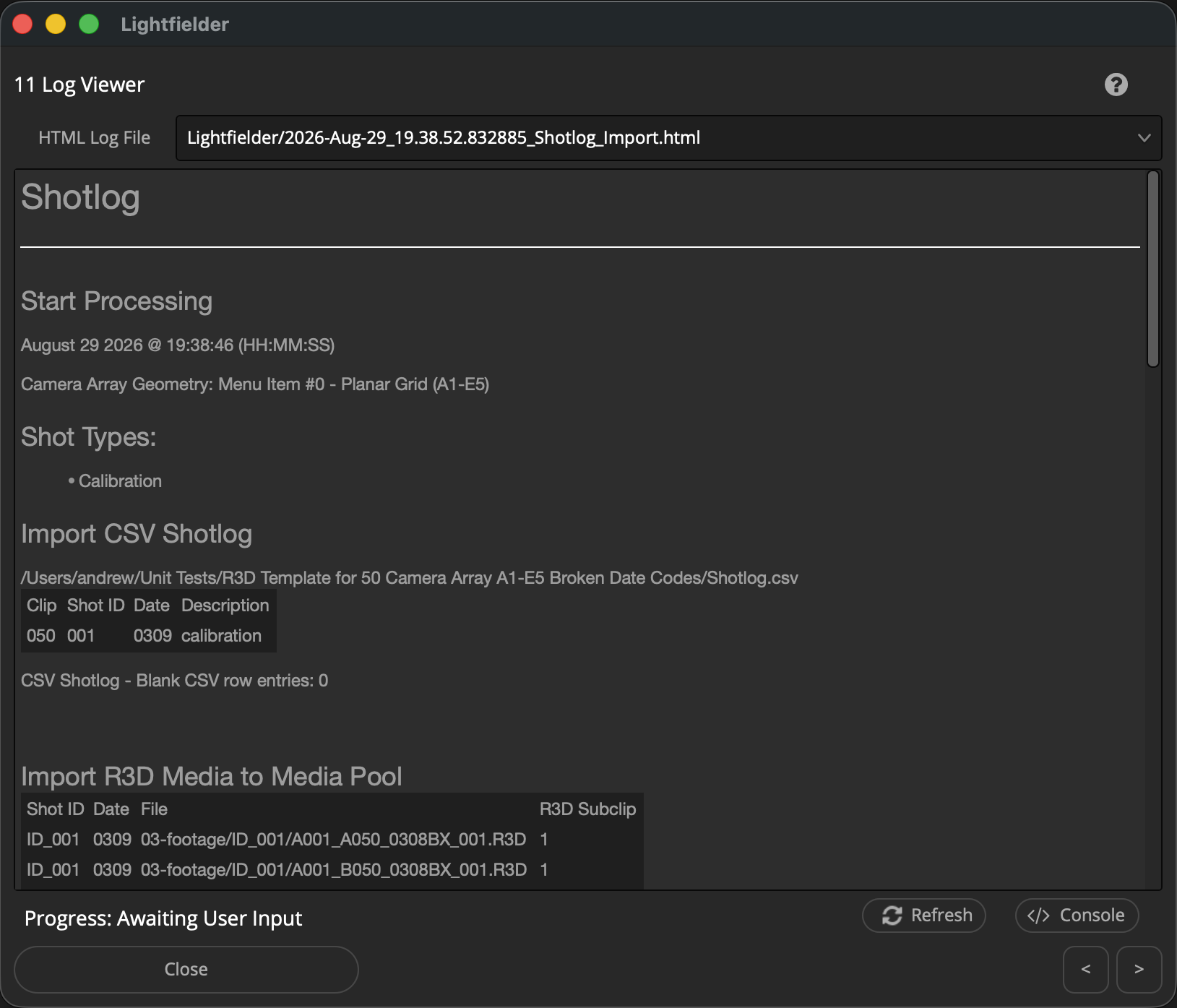
The Log files are saved to:
$HOME/Lightfielder/Logs/Projects/
The individual log files are .html documents that have the filename start with a date code like "2026-Mar-27_15.28.49.657349_Shotlog_Import.html". This date code corresponds with "YYYY-MMM-DD_HH.MM.SS.SSSSSS". Colons are avoided in the timestamp used in the filename as they create filepath issues on cross-platform filesystems.
Tip: The help "?" button at the top right of the window can be used to quickly show this help topic.
Note: Clicking the "HTML Log File" text label will automatically open up the folder location of the selected log file. If no log file is present then nothing will happen.
Script Usage:
-
Open Resolve. Select the menu item: "Workspace > Scripts > Lightfielder > 11 Log Viewer" • OR Select Tool Bar then click "11" button.
-
Choose the Log you would like to review.