Lightfielder | Scripts
15 EDL Export
Prepares a new Delivery page render job for "Individual Clip" mode based output.
Tip: The help "?" button at the top right of the window can be used to quickly show this help topic.
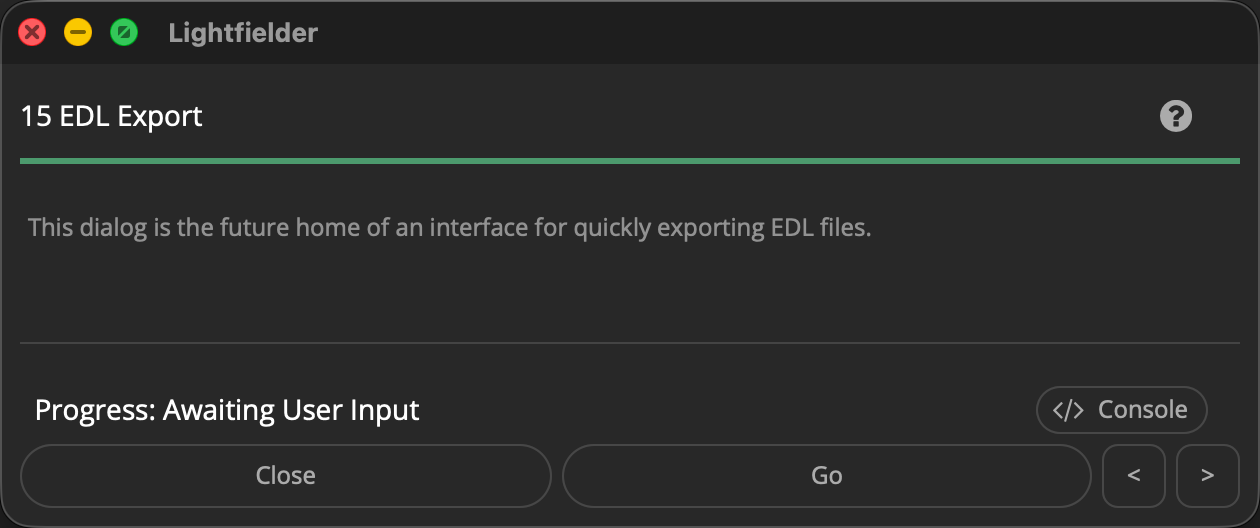
Note: This is a work-in-progress script. The dialog does not perform any useful functions yet when the script is run.
Script Usage:
-
Open Resolve. Select the menu item: "Workspace > Scripts > Lightfielder > 15 EDL Export" • OR Select Tool Bar then click "15" button.
-
Choose the settings you would like to use.
-
Click the "Go" button to continue.