Lightfielder | Scripts
10 EDL Checker
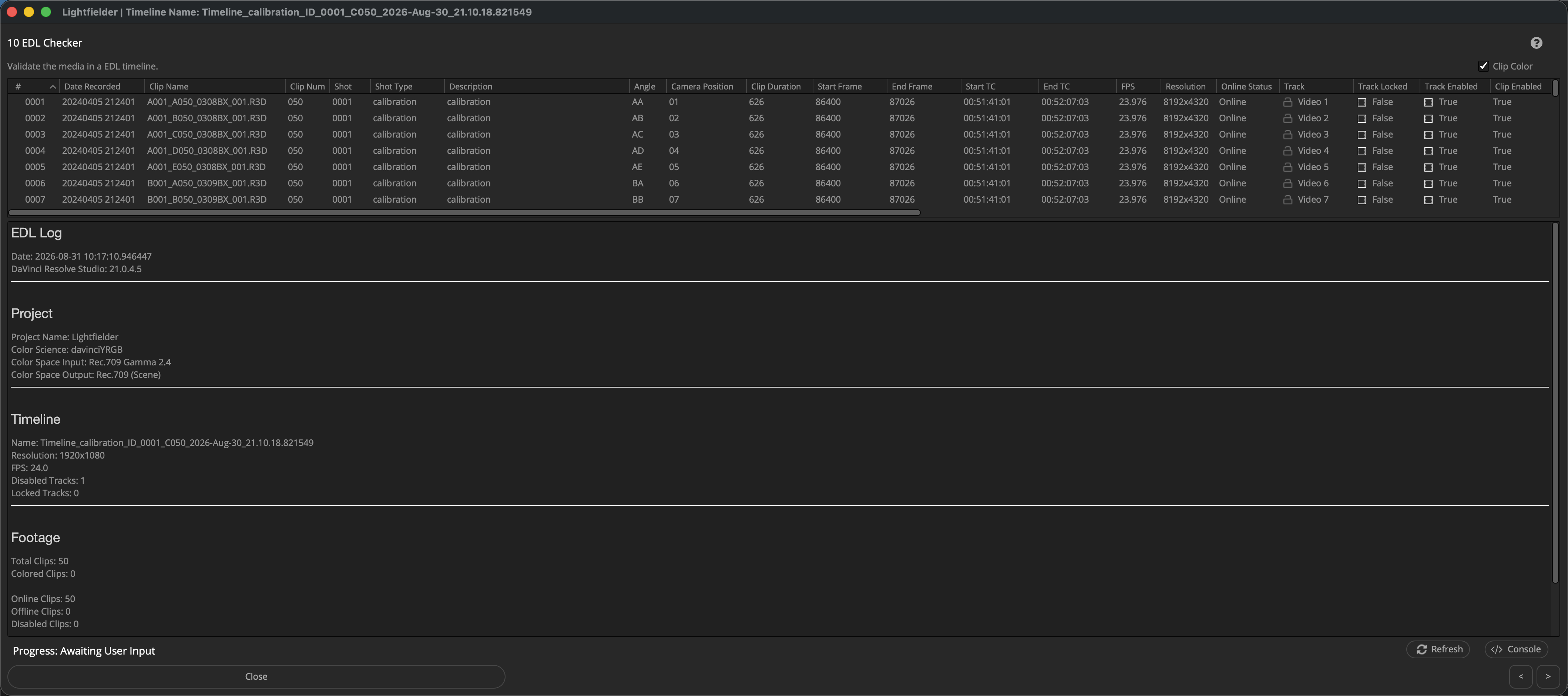
Quickly spot issues with a timeline before a long render is started.
Tip: The help "?" button at the top right of the window can be used to quickly show this help topic.
Script Usage:
-
Open Resolve. Select the menu item: "Workspace > Scripts > Lightfielder > 10 EDL Checker" • OR Select Tool Bar then click "10" button.
-
This window allows you to quickly find issues with the editing timeline such as camera angle metadata problems, timecode issues, and unususal timeline settings.