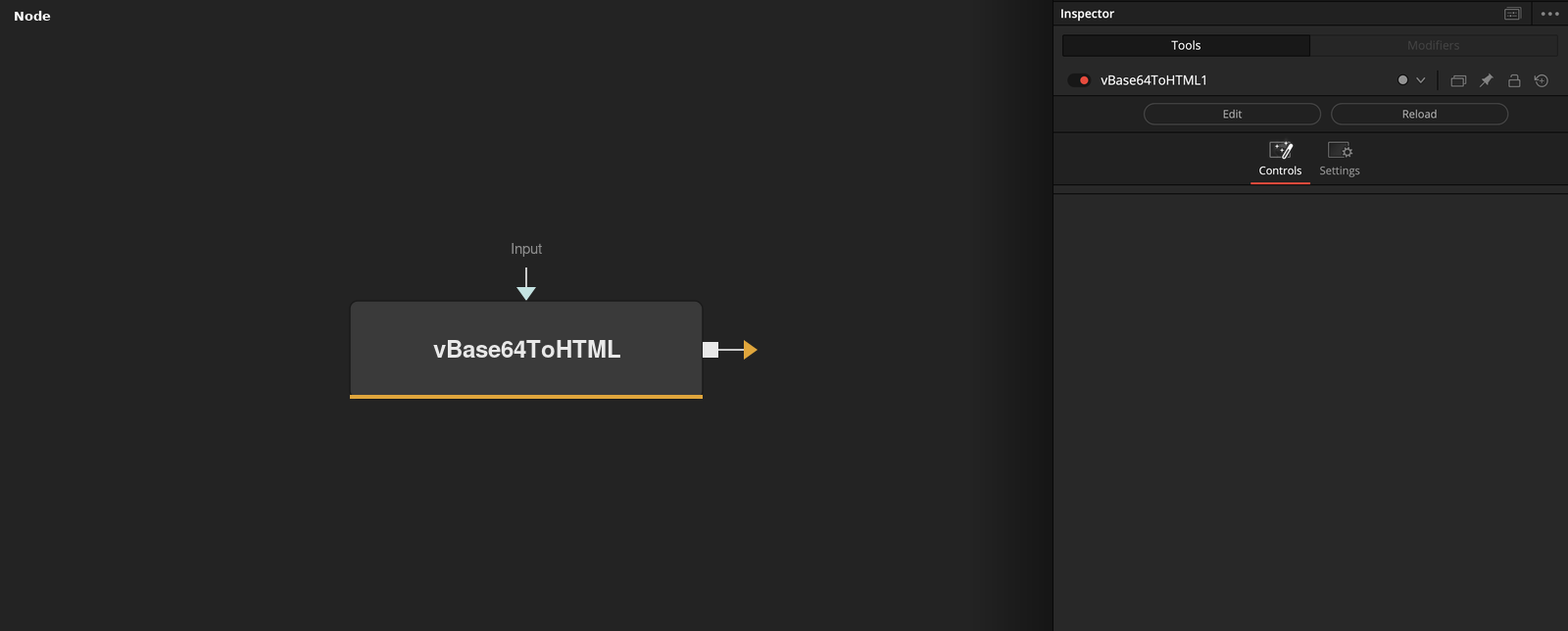
vBase64ToHTML
Converts a Base64 encoded PNG image into an inline HTML <IMG> embed. This node is useful to help prepare an inline Base64 encoded PNG image block. The most common use case for this node is to help fuse coders prepare new icons for use in a fuse's LabelControl element. This supports building Inspector view based icons for your custom fuses or macros. In your fuse the base64 encoded image element would be placed into a variable that is linked into the LabelControl like this: BrandLogo = [[ <center><img width="160" height="75" src='data:image/png;base64,...'/></center> ]] InLabel = self:AddInput(BrandLogo, "Label",{ LINKID_DataType = "Text", INPID_InputControl = "LabelControl", LBLC_MultiLine = true, INP_External = false, INP_Passive = true, IC_ControlPage = -1, IC_NoLabel = true, IC_NoReset = true, }) The "IC_ControlPage = -1," tag will move the UI element above the Control Page tabs which makes the same icon visible as you switch between Control Pages. The end result from adding the Base64 icon to a LabelControl is the ability to create a more polished UI for your fuse.
Parameters
| Parameter | Type | Default | Description |
|---|---|---|---|
| Input | Text | — | — |