vTextFromCSV
Creates a Fusion Text object by extracting a single cell from a CSV formatted block of text The "Row" control is used to define the CSV line number to read. The "Column" control is used to increment through each set of comma separated entries on a single line of CSV input data. The "Ignore Header Row" checkbox will offset the first index position to start at line 2 in the CSV file. This will skip over a labelled header row in the source document to avoid that information being accessed as part of the ingested data.
Core / TextText
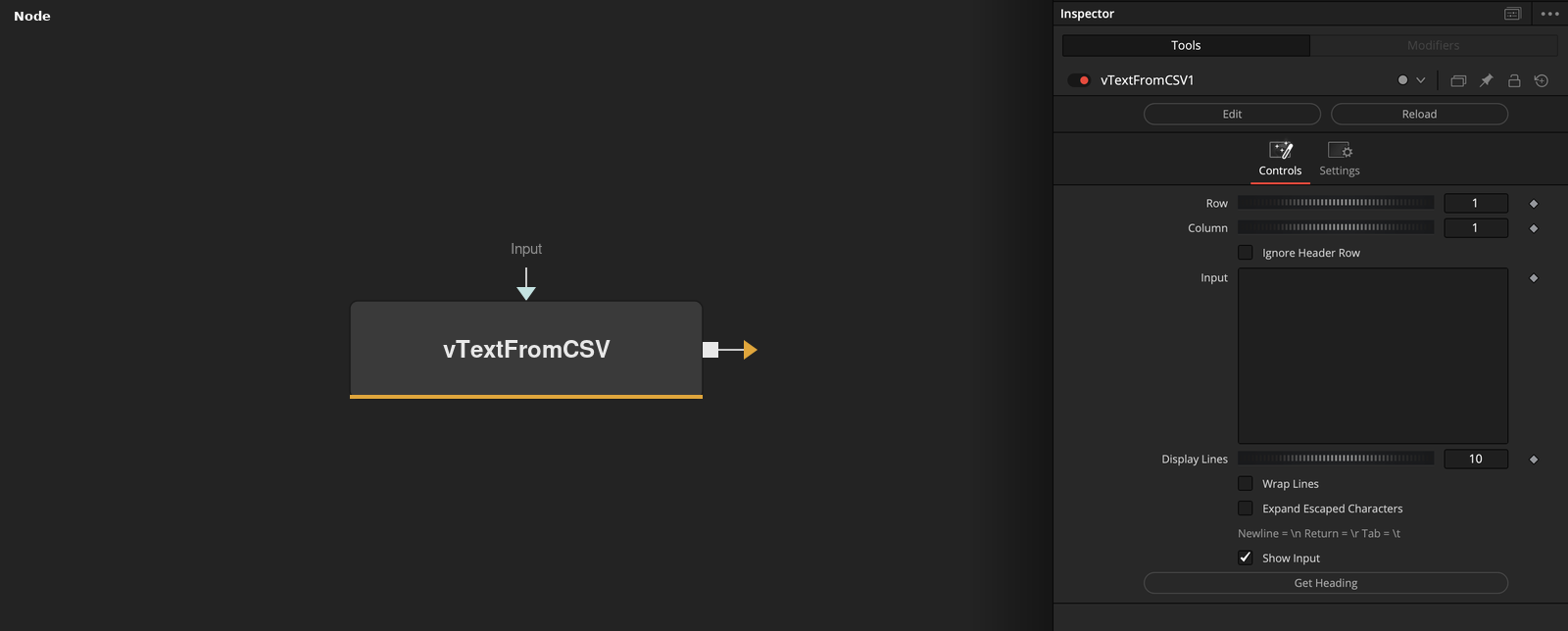
Parameters
| Parameter | Type | Default | Description |
|---|---|---|---|
| Row | Integer | 1 | — |
| Column | Integer | 1 | — |
| Ignore Header Row | Integer | 0.0 | — |
| Input | Text | — | — |
| Display Lines | Integer | 10 | — |
+4 more parameters
| Parameter | Type | Default | Description |
|---|---|---|---|
| Wrap Lines | Integer | 0.0 | — |
| Expand Escaped Characters | Integer | 0.0 | — |
| Show Input | Integer | 1.0 | — |
| Get Heading | Float | — | — |