vTextProcessOpen
Launches a command-line process via popen The "Text" field is used to define the executable program name and the command-line arguments you want to run from a shell session. The output from the shell session is returned to the node's output connection as a text data type result. Typically a vTextSubFormat node is used to build the executable command line string that is supplied to the Text input on a vTextProcessOpen node. If you need cross-platform support you can use a vTextCreatePlatform or vTextCreatePlatformBrowse node to automatically define the per-OS specific elements like the program name to run. If you need to access more complex automation techniques, or dynamically define custom environment variables, it is possible to use a vTextToFile node to export a dynamically created .bat (Windows), .sh (Linux), .command (macOS) script file to the TEMP folder on disk. Then the vTextProcessOpen node could be used to execute this document by specifying in the "Text" field both the shell interpreter to use, like "/bin/zsh" or "/bin/zsh", and the external script file to run: "Text" field contents: "/bin/zsh" "/tmp/Vonk_Temp_Script.command" "Vonk_Temp_Script.command" File Contents: #!/bin/zsh say Hello Vonk World!
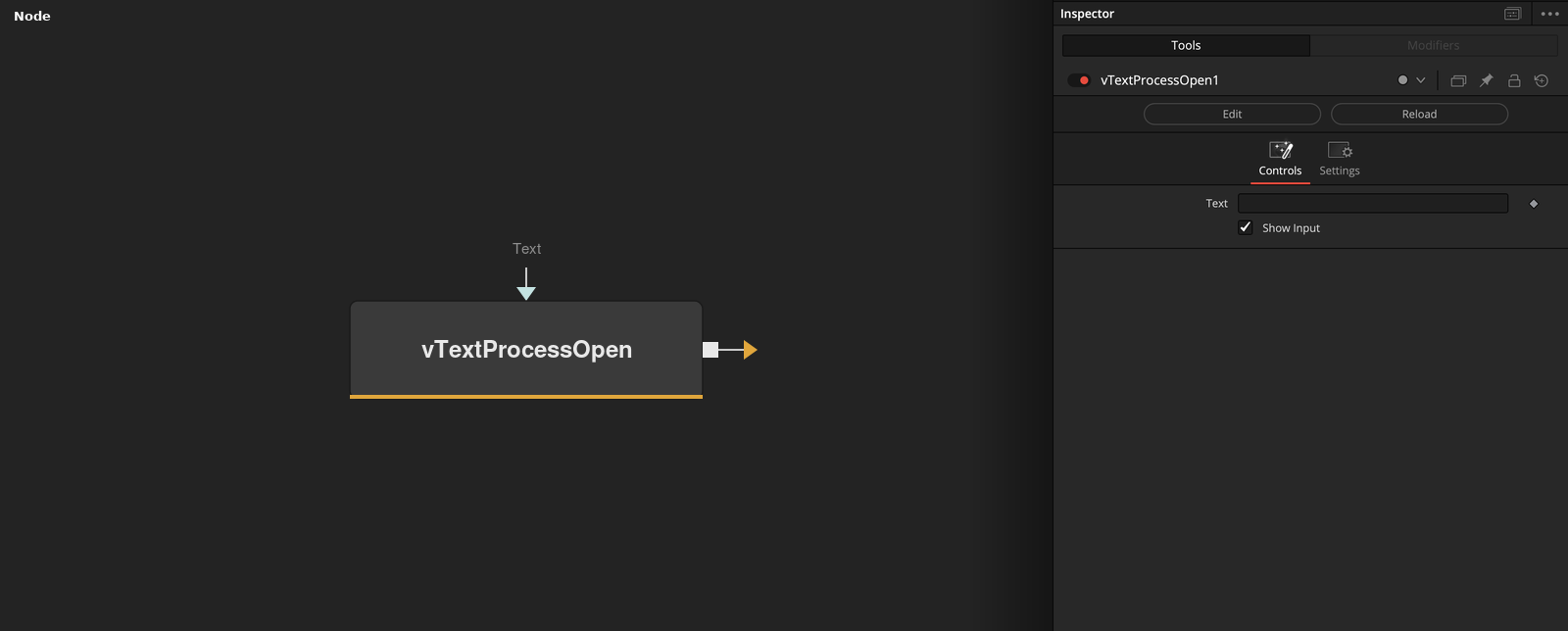
Parameters
| Parameter | Type | Default | Description |
|---|---|---|---|
| Text | Text | — | — |
| Show Input | Integer | 1.0 | — |