vTextSubFormatMultiline
Formats a multi-line template string with input values Each input connection on the vTextSubFormat node can be placed exactly where it is needed using a token approach. A token value is entered using curly braces that surround an integer number like "\{1\}" or "\{2\}" that represent an input connection number on the node.
Core / TextText
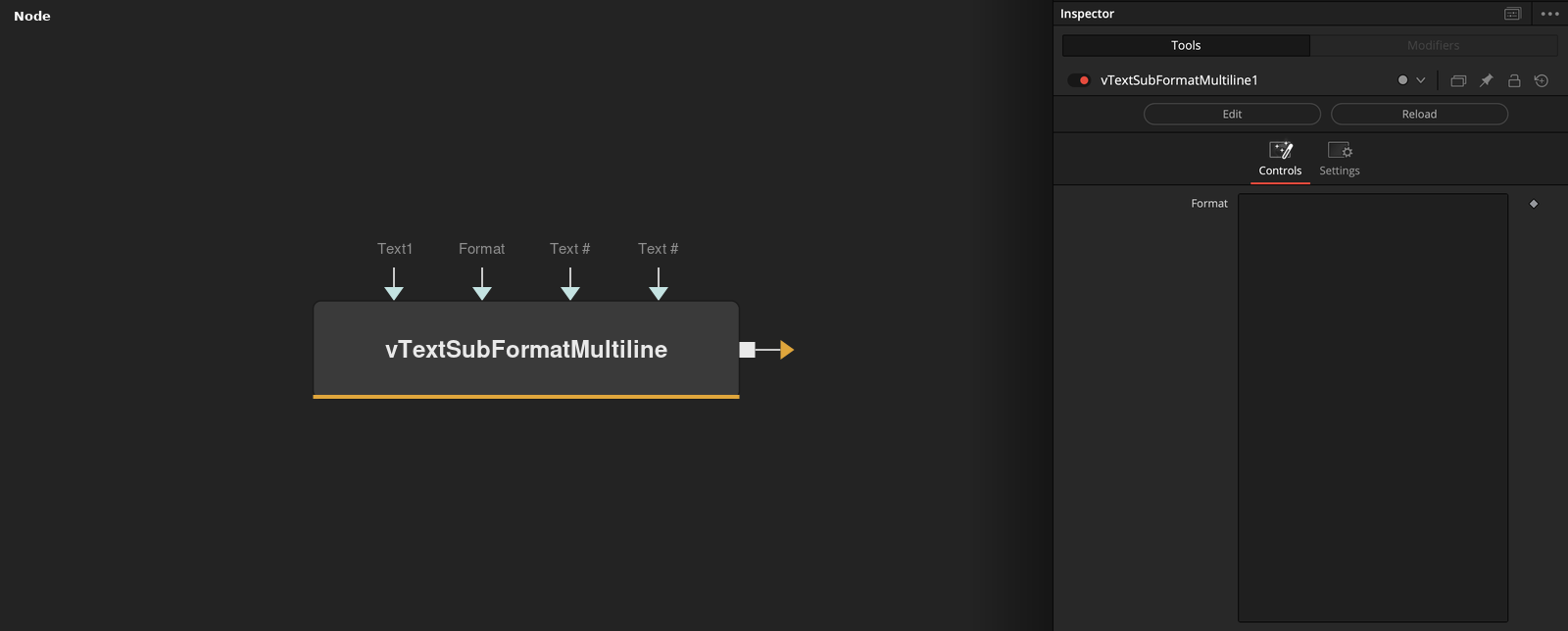
Parameters
| Parameter | Type | Default | Description |
|---|---|---|---|
| Which | Integer | — | — |
| Text1 | Text | — | — |
| Format | Text | — | — |
| Display Lines | Integer | 25 | — |
| Wrap Lines | Integer | 1.0 | — |
+2 more parameters
| Parameter | Type | Default | Description |
|---|---|---|---|
| "Text" .. i | Text | — | — |
| "Text" .. (inp_nr + 1) | Text | — | — |