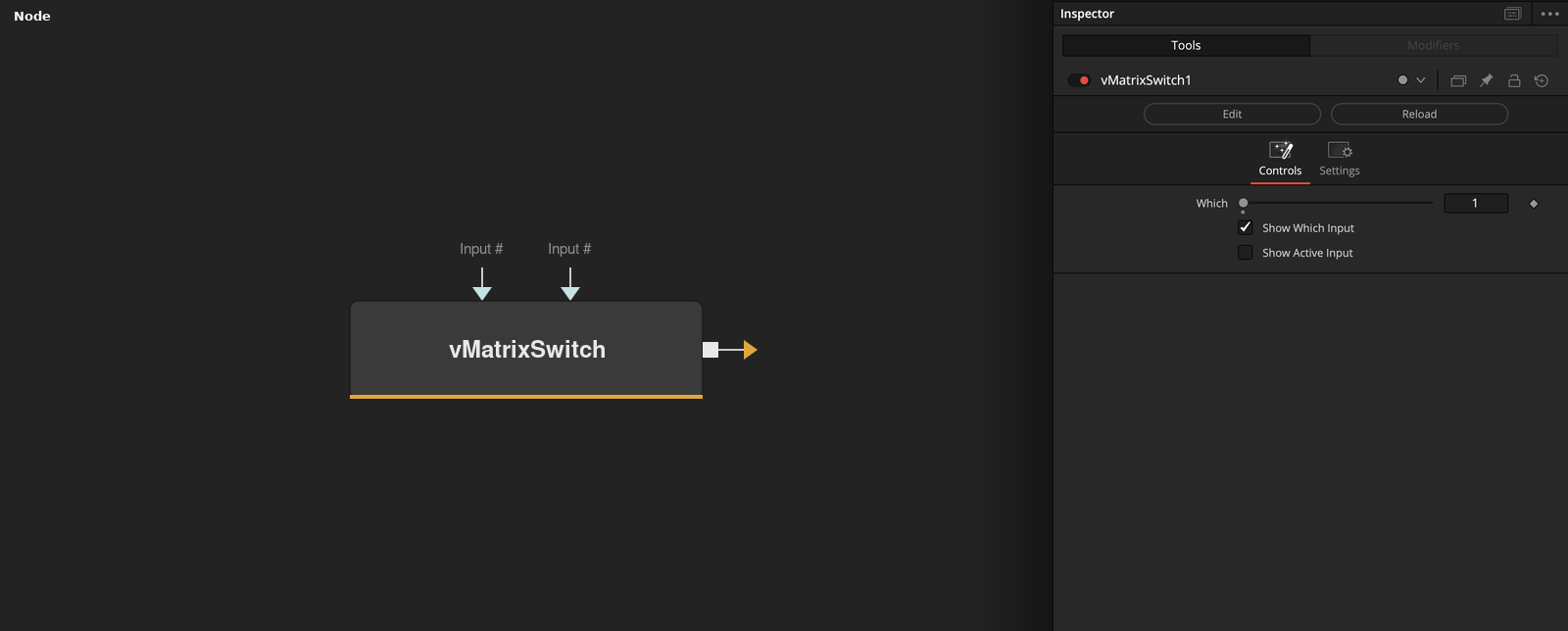
Switch between vMatrix objects The "Which" control uses an integer number that starts at 1 and counts upwards to define the input connection port that is passed through to the output connection. If you are using a logical comparator that works on a false/true based 0-1 number range and want to connect it to a vMatrixSwitch node's Which input connection, that works on a 1+ number range, simply insert a vNumberAdd node set to increment the number upwards by 1. The "Show Which Input" checkbox is used to hide the Number datatype based input connection for the Which parameter in the Nodes view. The "Show Active Input" checkbox is used as a visualization and diagnostics mode. When enabled, this control automatically toggles the visibility off for the inactive connection wirelines fed into the switch node. This approach makes it possible to visually see in a quick glance the source comp branch that is selected as the input and used by the Which control. All other inputs will be turned into hidden wireless inputs when not in use.
Core / MatrixMatrix
Parameters
| Parameter | Type | Default | Description |
|---|
| Which | Integer | — | — |
| Input1 | DATATYPE | — | — |
| Show Which Input | Integer | 1.0 | — |
| Show Active Input | Integer | 0.0 | — |
| "Input" .. i | DATATYPE | — | — |
+1 more parameters
| Parameter | Type | Default | Description |
|---|
| "Input" .. (inpNr + 1) | DATATYPE | — | — |