vTextDump
Dump the contents of a Fusion Text object to the Console window The vTextDump node is handy for printing diagnostic logging information to the Console during a complex workflow. This could include status results, frame counts, or any other information. You can see this output text in the Console view, or for a job that is sent to be processed by Fusion Render Node the terminal/command prompt output will show the log results. If you want to build an elaborate block of text to be output by the "vTextDump" node, you can assemble the compound string using the "vTextSubFormatMultiline" node where each input connection is able to be sourced from separate data nodes. Vonk number datatype content can be translated into a text format using the "vTextFromNumber" node. If you require leading zero based frame padding, look at the "vTextFromNumberPadded" node. The "vTextCompCurrentTime1" node returns the current timeline frame number in a format that can be used directly with the input connections on a "vTextSubFormatMultiline" node. Tip: The "Shift + 0" hotkey is useful if you need to quickly toggle the visibility of the Console window in Resolve or Fusion Studio. Alternatively, clicking on the "Console" tab button at the top left of the Fusion Studio user interface will carry out a similar task.
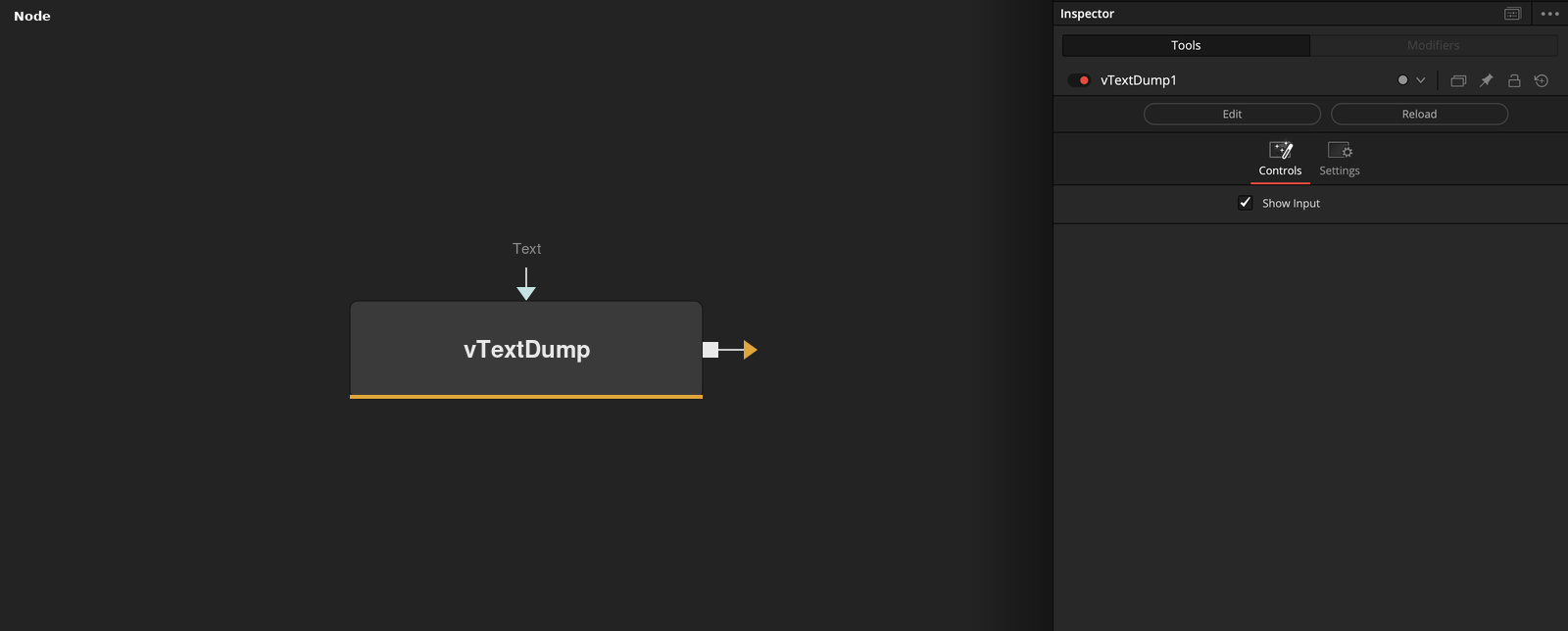
Parameters
| Parameter | Type | Default | Description |
|---|---|---|---|
| Text | Text | — | — |
| Show Input | Integer | 1.0 | — |