vNumberEndPID
Quit a program using its PID (Process ID) on macOS and Linux It is possible to use the following terminal command to list a specific program's PID value: ps aux | grep writeInSomeProgramNameHere A sample output from this usage of the ps aux + grep command is: % ps aux | grep safari vfx 10239 0.0 0.0 408637584 1760 s000 S+ 4:21PM 0:00.00 grep safari You can see a list of running programs and their PID values in the terminal using the "top" utility: % top Processes: 540 total, 3 running, 537 sleeping, 2455 threads 16:24:24 Load Avg: 1.05, 1.09, 1.17 CPU usage: 2.1% user, 2.48% sys, 95.50% idle SharedLibs: 670M resident, 122M data, 71M linkedit. MemRegions: 79919 total, 3430M resident, 570M private, 2089M shared. PhysMem: 15G used (2487M wired), 204M unused. VM: 204T vsize, 3823M framework vsize, 0(0) swapins, 0(0) swapouts. Networks: packets: 14481172/7542M in, 10866206/9338M out. Disks: 1618664/32G read, 799320/24G written. PID COMMAND %CPU TIME #TH #WQ #PORT MEM PURG CMPRS PGRP PPID 171 WindowServer 6.5 47:39.13 17 3 1775- 220M- 9600K- 7792K 171 1 10555 top 5.2 00:00.58 1/1 0 27+ 6545K 0B 0B 10555 10519 466 Terminal 2.0 00:03.48 6/1 1 258+ 44M 15M 1664K 466 1 10239 Safari 1.4 00:31.49 6 2 514 62M 0B 0B 10239 1 It is also possible to see programs and their PID values in the macOS "Activity Monitor.app" utility. In the top right corner of the Activity Monitor window you can type in the name of the program in the search field to filter the results in the view down to what matters.
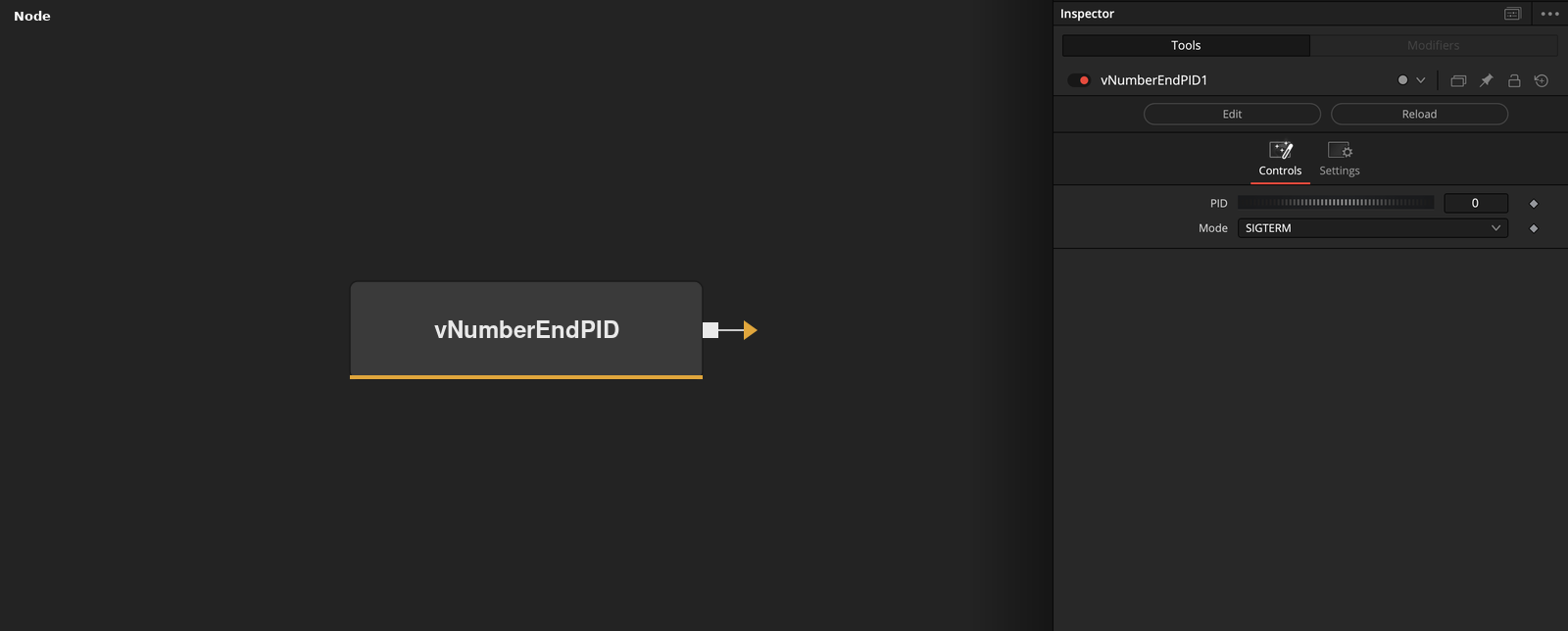
Parameters
| Parameter | Type | Default | Description |
|---|---|---|---|
| PID | Integer | 0 | — |
| Mode | Integer | 0 | — |