Lightfielder Viewport | Compiling the Swift App
The Viewport app requires macOS 26.0+ (Tahoe) and the following tools to build:
1. Install Xcode
Download and install Xcode 17+ from the Mac App Store or the Apple Developer site.
After installation, accept the license and install the command-line tools:
sudo xcodebuild -license accept
xcode-select --install
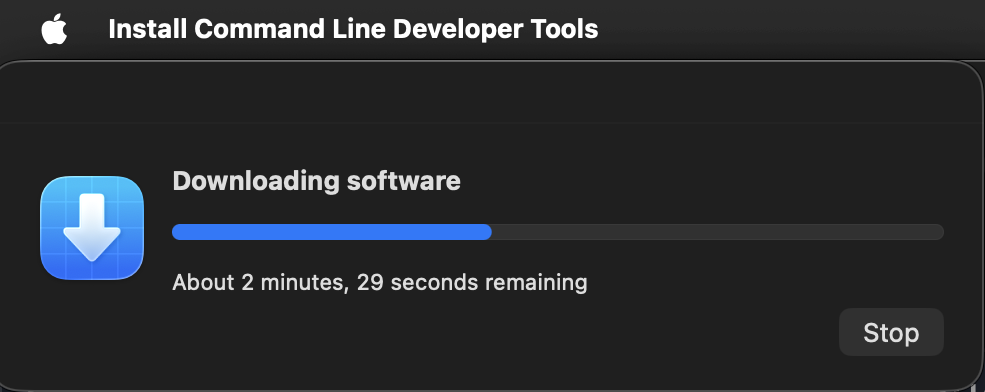
Verify the Xcode command-line tools are active:
xcodebuild -version
The terminal output will be something like:
Xcode 26.5
Build version 17F42
2. Install Homebrew
Homebrew is used to install XcodeGen:
/bin/bash -c "$(curl -fsSL https://raw.githubusercontent.com/Homebrew/install/HEAD/install.sh)"
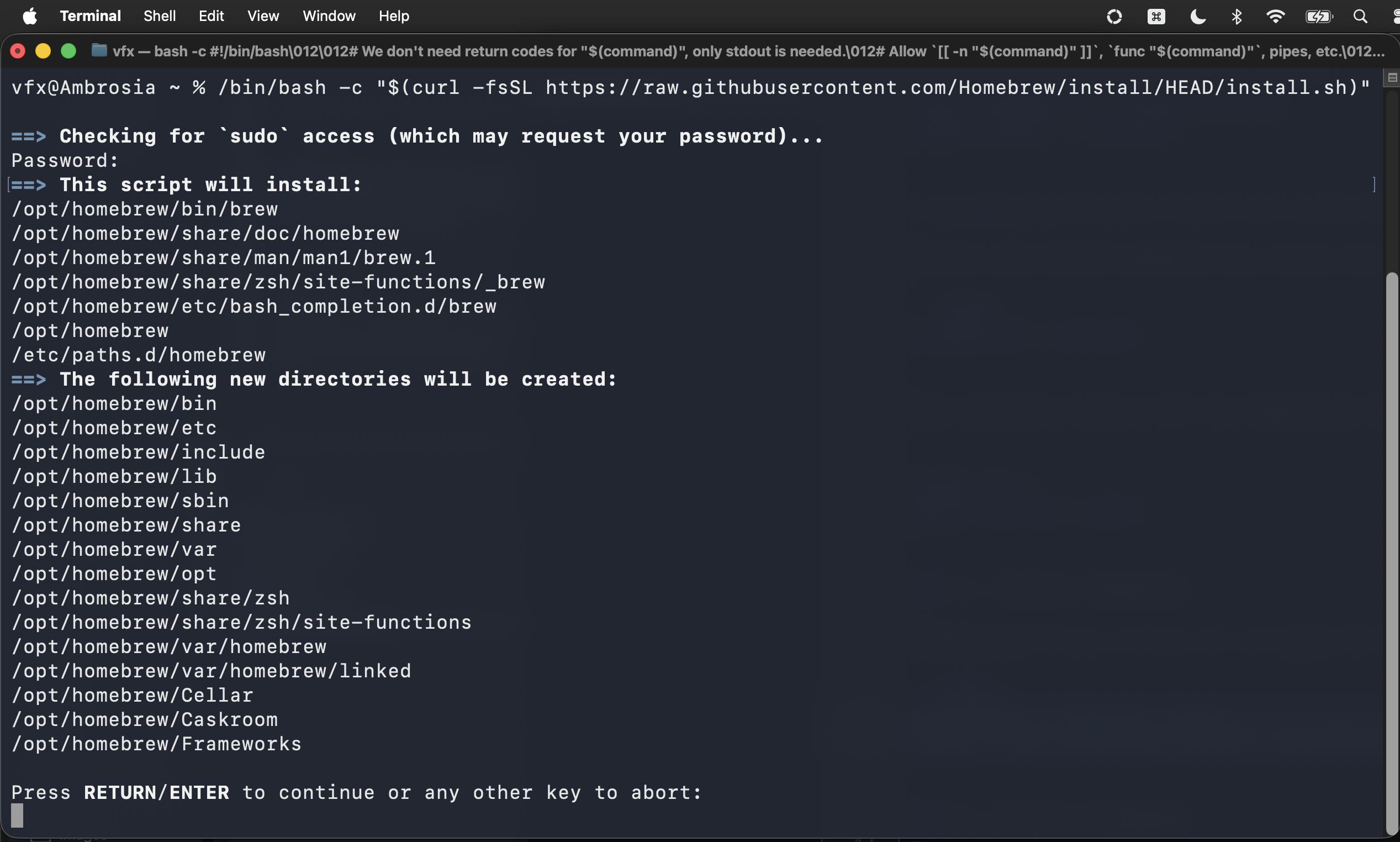
After Homebrew finishes installing you can choose to add it to the sytem PATH environment variable:
echo >> /Users/vfx/.zprofile
echo 'eval "$(/opt/homebrew/bin/brew shellenv zsh)"' >> /Users/vfx/.zprofile
eval "$(/opt/homebrew/bin/brew shellenv zsh)"
3. Install XcodeGen
XcodeGen generates the .xcodeproj file from project.yml:
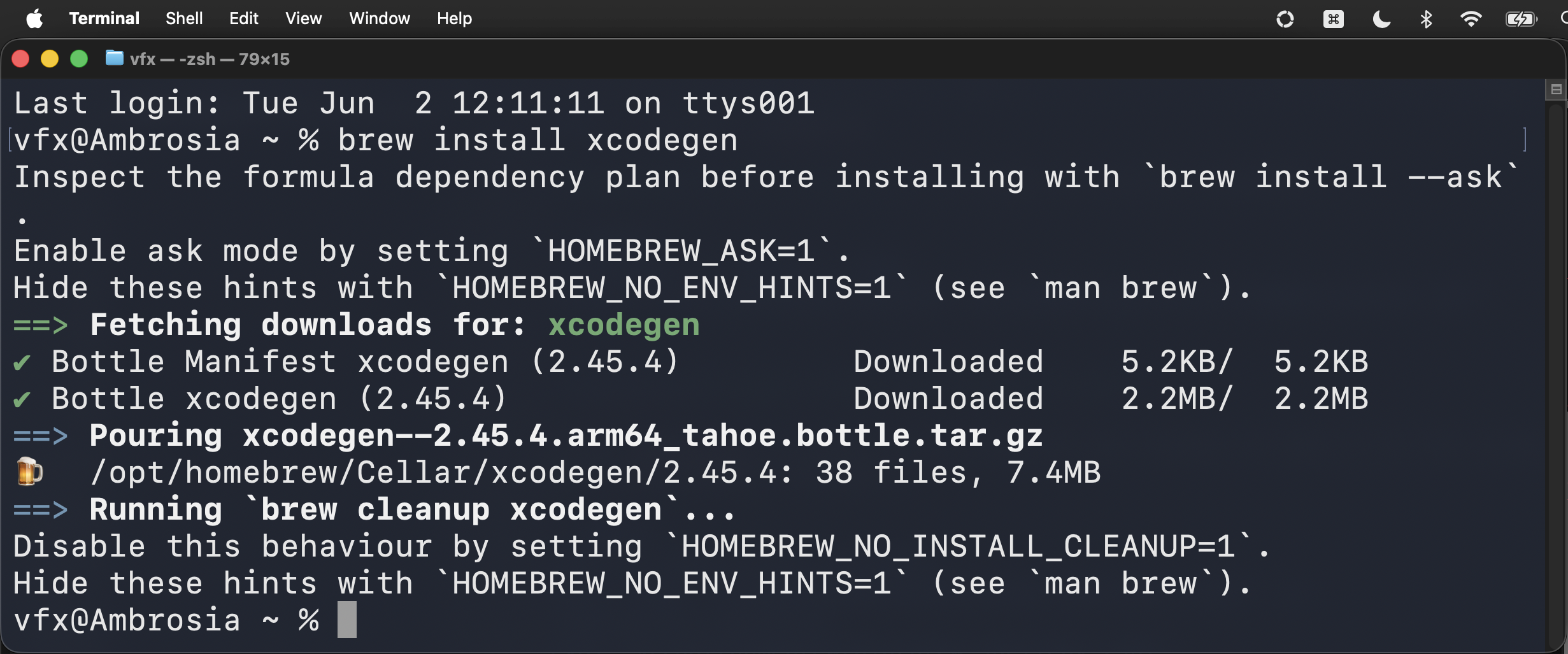
brew install xcodegen
4. Build the Project
Regenerate the Xcode project (required after any change to project.yml or adding/removing source files):
cd $HOME/Documents/Git/LightfielderViewport/Viewport/
xcodegen generate
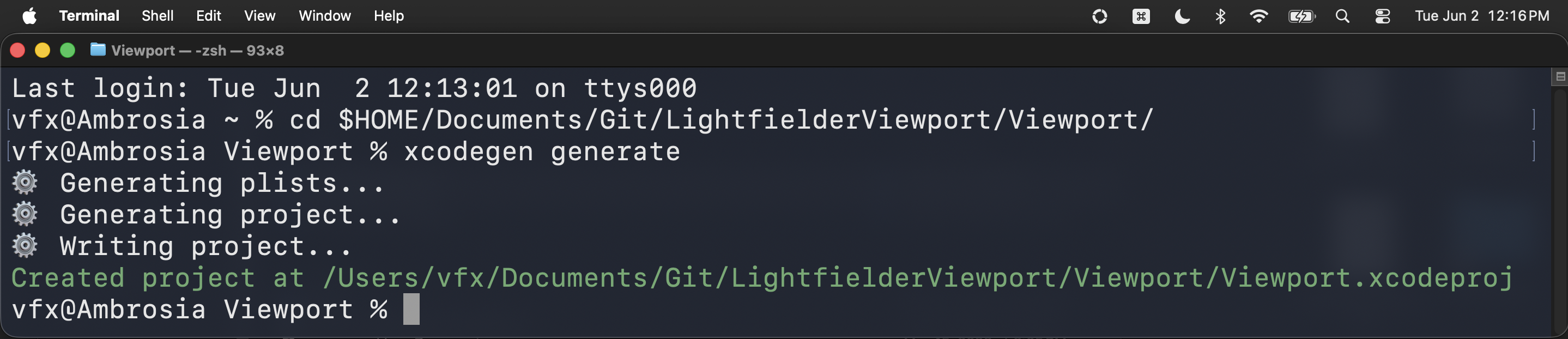
Then build with Xcode:
cd $HOME/Documents/Git/LightfielderViewport/Viewport/
xcodebuild -project Viewport.xcodeproj -scheme Viewport build
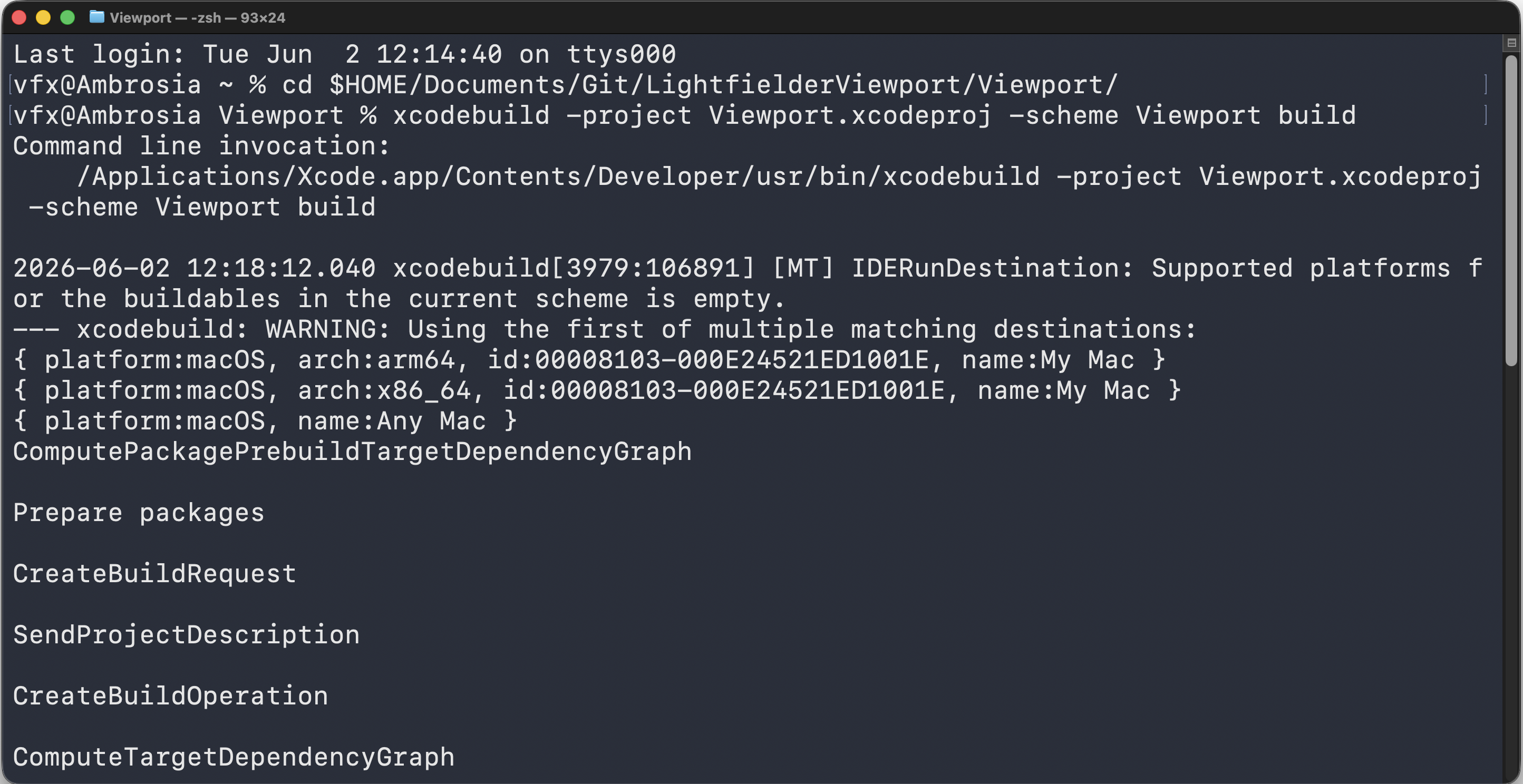
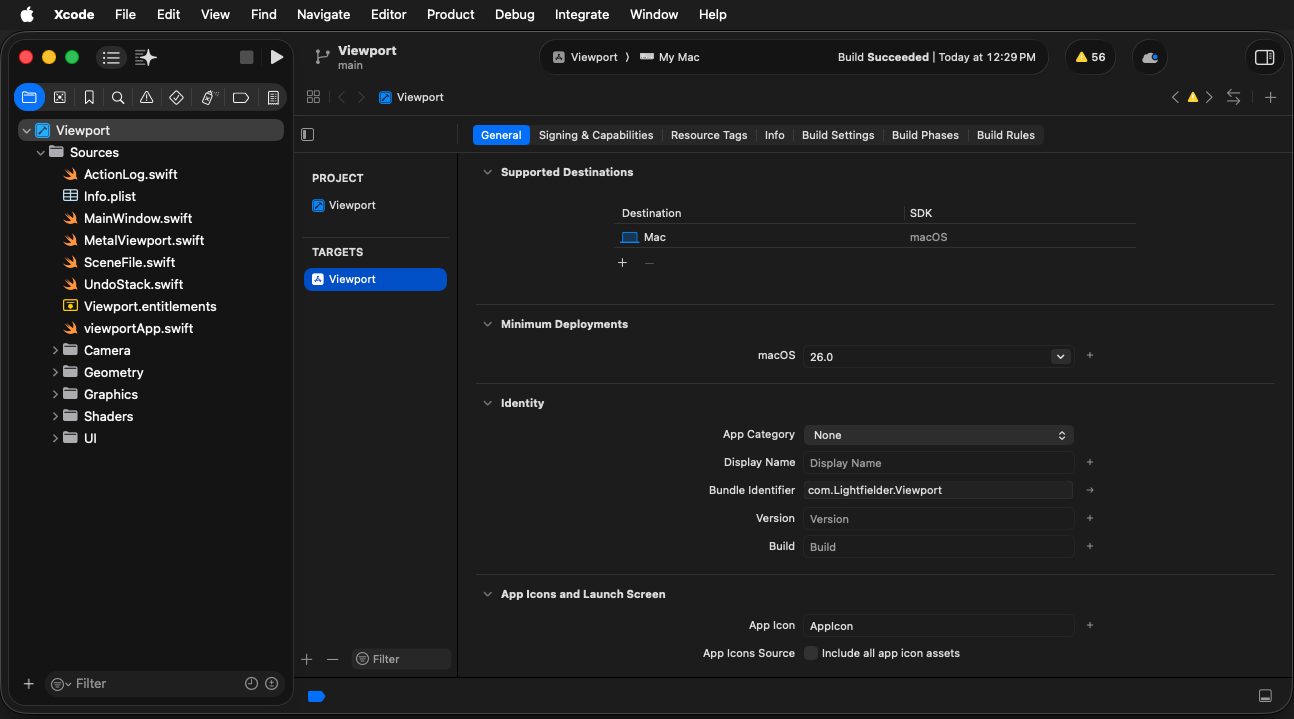
Or open Viewport.xcodeproj in Xcode and build from the UI (Product > Build or Cmd + B).
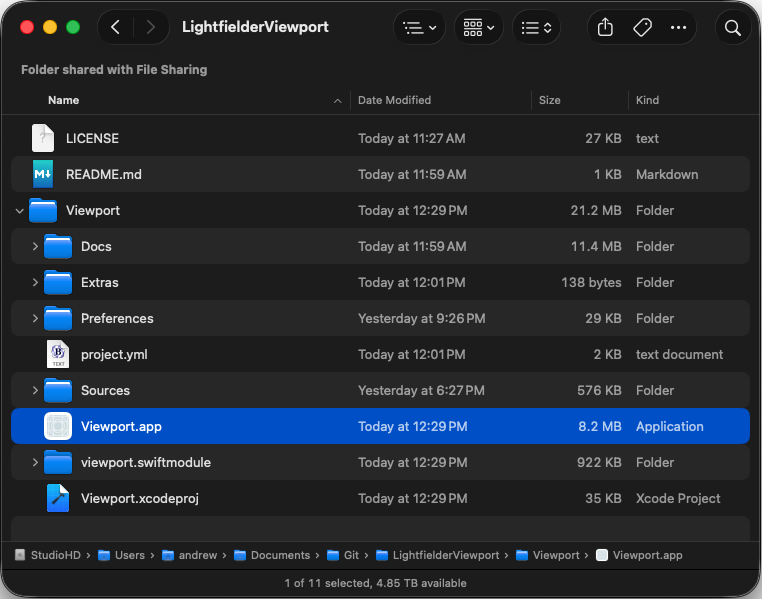
The compiled application is named Viewport.app and it is placed in the same folder location as the xcodegen project.yml file.
5. Apple SF Symbols
The app uses Apple's SF Symbols for menu and user interface icons.
6. Install OpenCode (Optional)
OpenCode is a CLI tool for interacting with AI-powered coding agents from the terminal. It can be used to edit code, run builds, and manage git operations during development.
brew install anomalyco/tap/opencode
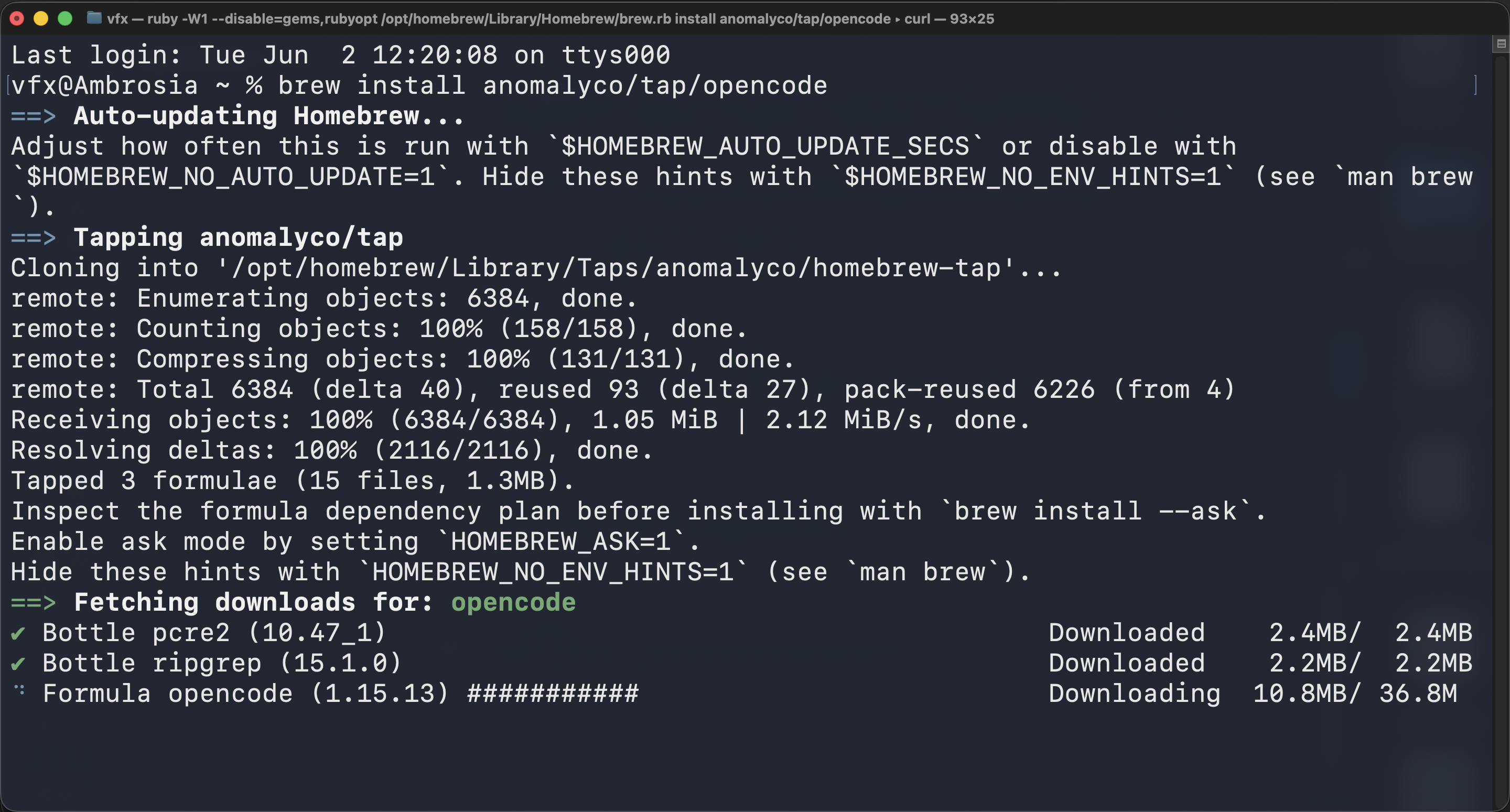
Verify the installation:
opencode --version
The terminal output will be something like:
1.15.13
If required you can use OpenCode to edit the Lightfielder Viewport application's source code from SSHing into the macOS system via a remote shell session:
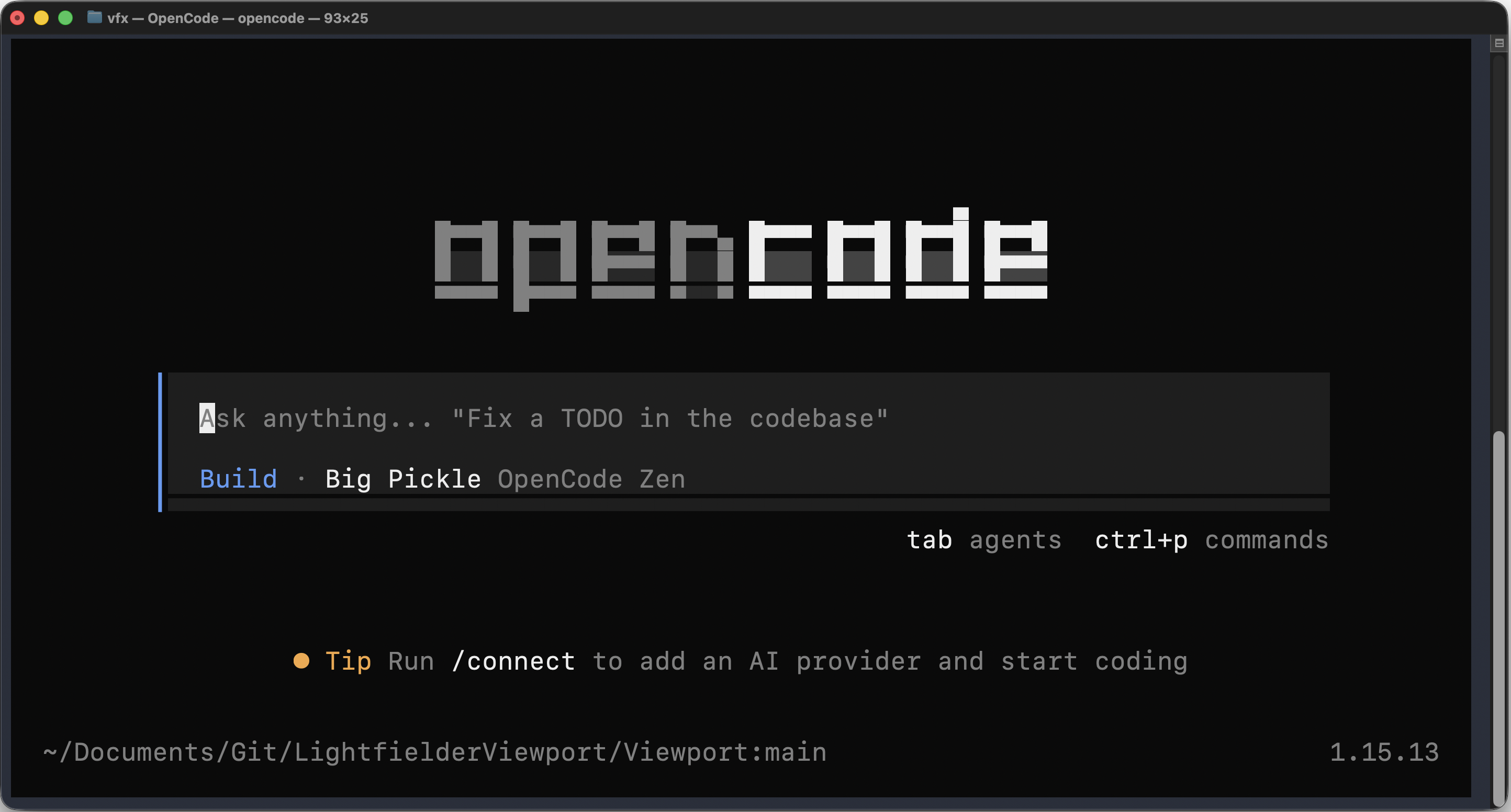
cd $HOME/Documents/Git/LightfielderViewport/Viewport/;opencode