vArrayMerge
Concatenate two or more vArrays into a single output — the essential combiner for multi-source point cloud compositions.
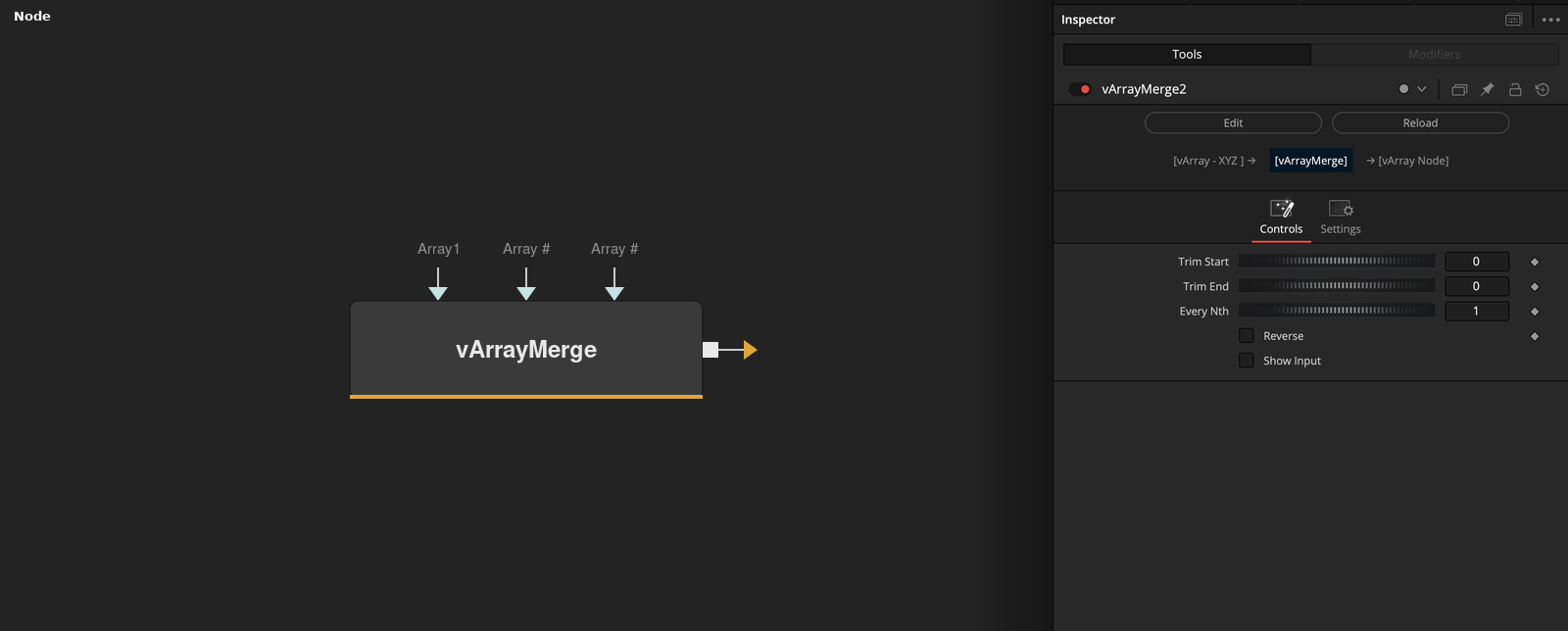
vArrayMerge joins multiple vArrays end-to-end into one combined array. Use it to assemble point clouds from different generators — grid, circle, sphere, OBJ — into a single array for a unified render pass.
Parameters
| Parameter | Type | Default | Description |
|---|---|---|---|
| Which | Integer | — | Sets the number of active array inputs to merge. Start at 1 and increase as you add more source arrays. |
| Array1 | Float | — | First vArray input. Additional inputs (Array2, Array3 etc.) appear as Which increases. |
| Array Structure | Integer | 0 | Controls how arrays are combined: 0 = simple concatenation (append end-to-end), 1 = interleaved merge (alternate elements from each array). |
| Show Input | Checkbox | 0 | Reveals the array input ports on the node in the Fusion node graph. |
Read the full description
vArrayMerge is the array concatenation node. It takes two or more vArray inputs and appends them sequentially into a single output array. This is the standard method for combining point clouds from different generators — such as a vArrayPointsOnGrid and a vArrayPointsOnSphere — into one unified dataset that flows into a single vArrayShapeRender node.
The Which parameter controls how many inputs are active, and Array Structure Mode determines whether arrays are merged by interleaving values or simple concatenation. Use simple concatenation (mode 0) when combining point clouds from separate generators. Interleaved mode is useful when merging parallel per-element data streams that should stay in sync.
A typical compositional workflow stacks multiple generators, each offset with vArrayTranslate, then merges them all into a single array before the projection and render steps. This keeps the node graph clean and ensures vArrayShapeRender only needs a single connection, making parameter changes easier to manage at scale.
Example Connections
- Merge grid and circle into one render
- Combine OBJ and sphere
vArrayPointsOnGrid.Output -> vArrayTranslate.ArrayA
vArrayTranslate.Output -> vArrayMerge.Array1
vArrayPointsOnCircle.Output -> vArrayMerge.Array2
vArrayMerge.Output -> vArrayCameraProjection.ArrayA
vArrayCameraProjection.Output -> vArrayShapeRender.ArrayPoint
vArrayFromOBJ.Points -> vArrayMerge.Array1
vArrayPointsOnSphere.Output -> vArrayMerge.Array2
vArrayMerge.Output -> vArrayCameraProjection.ArrayA