vArrayWave
Apply a ripple wave to every point in a vArray over time — the animation engine for oscillating, pulsing, and travelling wave effects.
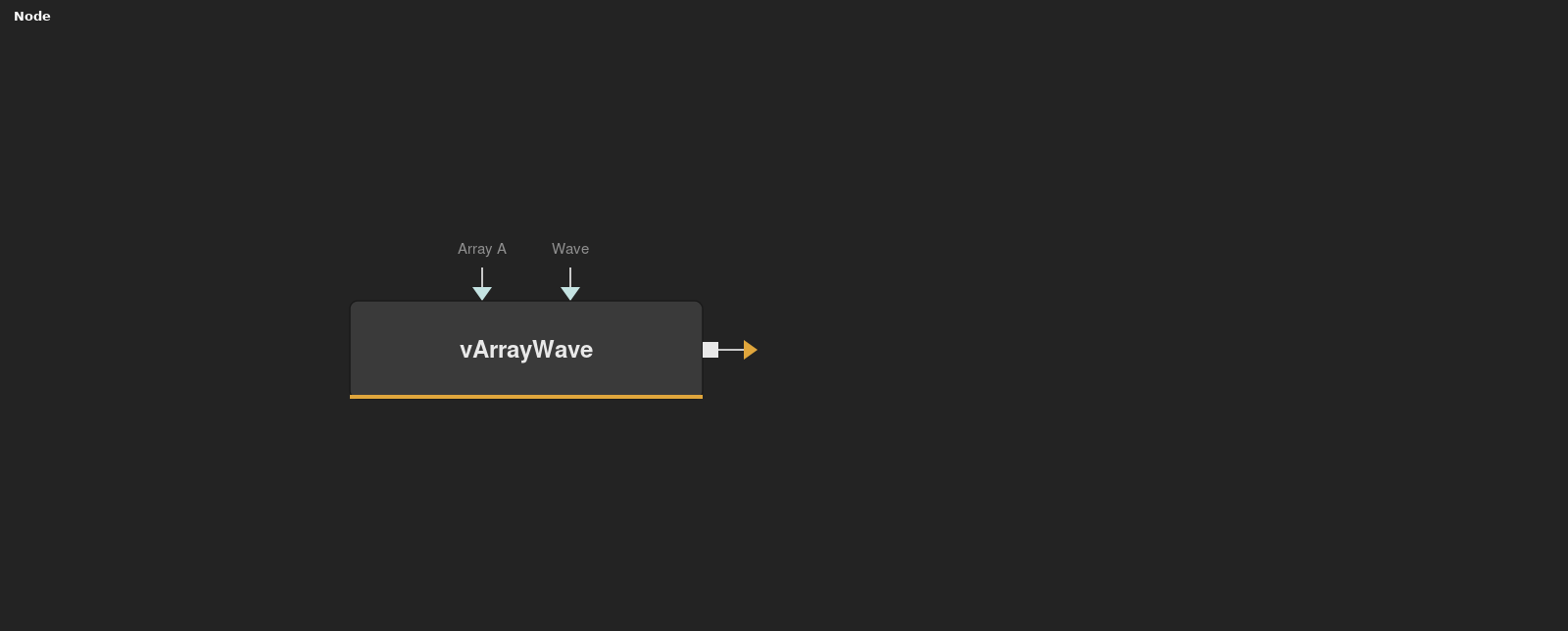
vArrayWave applies a time-based sinusoidal oscillation to the XYZ positions of a vArray. Point Delay staggers the wave across elements to produce ripple propagation, and Falloff controls how the wave decays with distance from the wave origin.
Parameters
| Parameter | Type | Default | Description |
|---|---|---|---|
| Wave | Float | — | Internal wave computation output — not directly user-editable. Driven by the current frame and all other wave parameters. |
| START AT FRAME | Integer | 0 | Frame number at which the wave animation begins. Set to a non-zero value to delay the wave onset, useful for synchronising to cuts or transitions. |
| Period | Float | 5.0 | Wave period — effectively the wavelength. Lower values = faster oscillation. Range: 0–50. |
| Strength | Float | 1.0 | Displacement amplitude. Higher values produce larger oscillations. Range: 0–10. |
| Limit | Checkbox | 0 | When enabled, clamps the wave displacement to prevent points from exceeding a defined boundary region. |
+8 more parameters
| Parameter | Type | Default | Description |
|---|---|---|---|
| Repeat | Float | 1.0 | Controls how many wave cycles repeat across the array length. Higher values produce more compressed wave patterns. |
| Reverse | Checkbox | 0 | Inverts the direction of wave propagation across the array. |
| Falloff | Float | 0.01 | Rate at which wave energy decays with distance from the origin point. Lower values produce a tighter falloff zone. Range: 0.001–1.0. |
| Point Delay | Float | 0 | Phase offset applied sequentially to each element. Non-zero values create the travelling ripple effect by staggering the wave phase per point. |
| X Position | Float | 0 | X coordinate of the wave origin. Animate to move the wave source horizontally through the point cloud. |
| Y Position | Float | 0 | Y coordinate of the wave origin. Animate to move the wave source vertically. |
| Z Position | Float | 0 | Z coordinate of the wave origin. Move wave source in depth for 3D ripple effects. |
| Array A | Float | — | The input vArray whose XYZ positions will be oscillated by the wave. |
Read the full description
vArrayWave is the primary animation modifier in the vArray toolkit. It reads the current frame number, calculates a sine wave at each point's position, and displaces the array values accordingly. The result is a continuous, physically convincing oscillation that travels through the point cloud over time without any keyframing.
Period controls the wavelength — higher values slow the wave frequency. Strength scales the displacement amplitude. Point Delay staggers the phase of each element sequentially, which is what creates the travelling ripple effect: without it, all points oscillate in sync. Falloff shapes how the wave energy decays with distance from the X/Y/Z position parameters, enabling ripples that emanate from a specific origin point.
START AT FRAME sets the frame number at which the wave begins animating, useful for synchronising wave onset to a cut point or transition. Limit checkbox clamps the displacement to prevent points from leaving a defined region. Reverse inverts the direction of wave propagation. Connect vArrayWave between any generator and vArrayCameraProjection — it is a pure modifier and works with any vArray regardless of how the points were created.
For maximum expressiveness, animate the X/Y/Z Position parameters to move the wave origin through the point cloud over time, or combine multiple vArrayWave nodes in series for complex interference patterns. Pair with vArrayBuffer to leave time-offset trails behind each oscillating point.
Example Connections
- Ripple on a grid
- Wave with trails
vArrayPointsOnGrid.Output -> vArrayWave.ArrayA
vArrayWave.Output -> vArrayCameraProjection.ArrayA
vArrayCameraProjection.Output -> vArrayShapeRender.ArrayPoint
Background.Output -> vArrayShapeRender.Input
vArrayPointsOnCircle.Output -> vArrayWave.ArrayA
vArrayWave.Output -> vArrayBuffer.Input
vArrayBuffer.Output -> vArrayShapeRender.ArrayPoint